Microsoft Office 2007
Microsoft Office 2007 Free Download for PC Windows 7/10/8, 32/64-bit introducing the new versions of Word, Excel, and PowerPoint
Safe & Secure
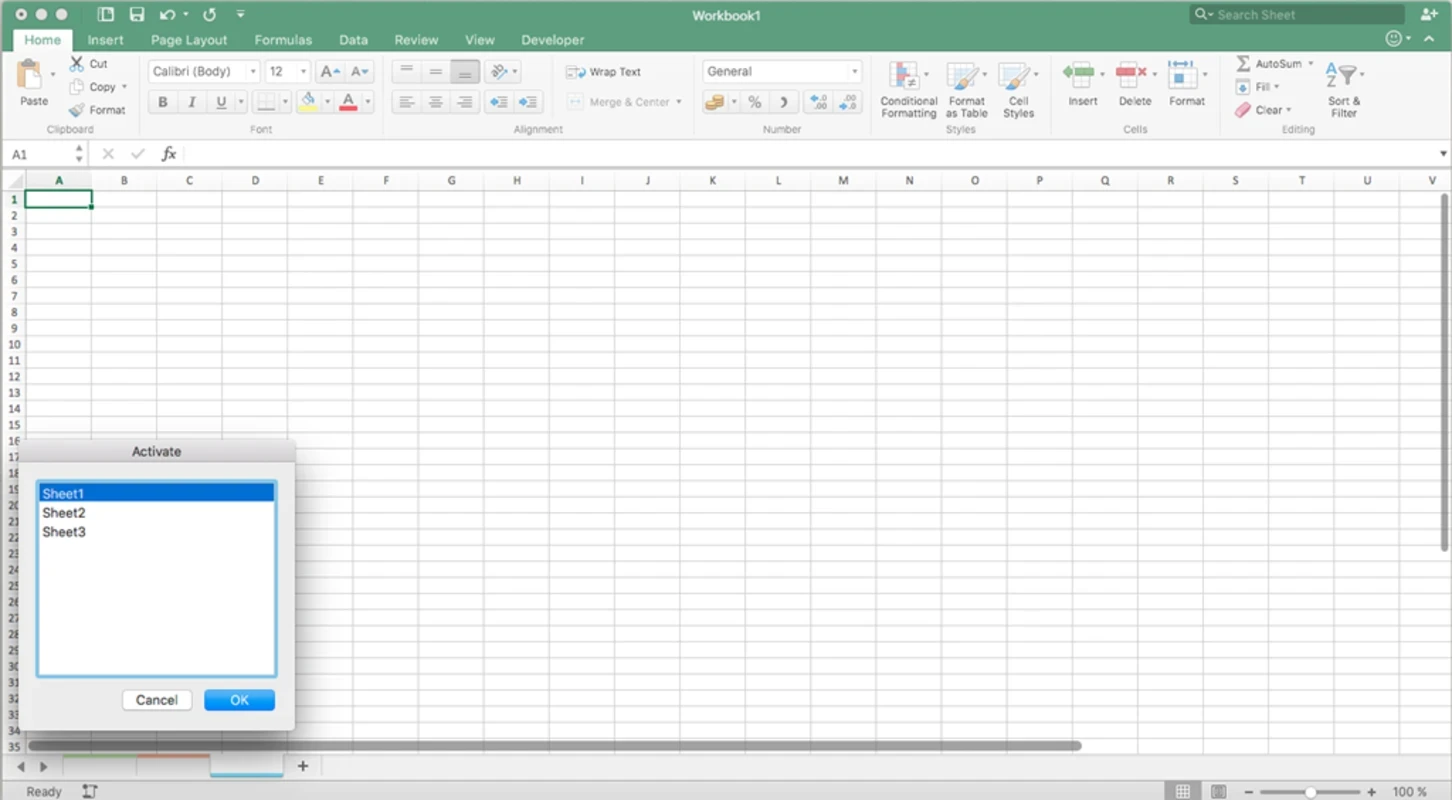
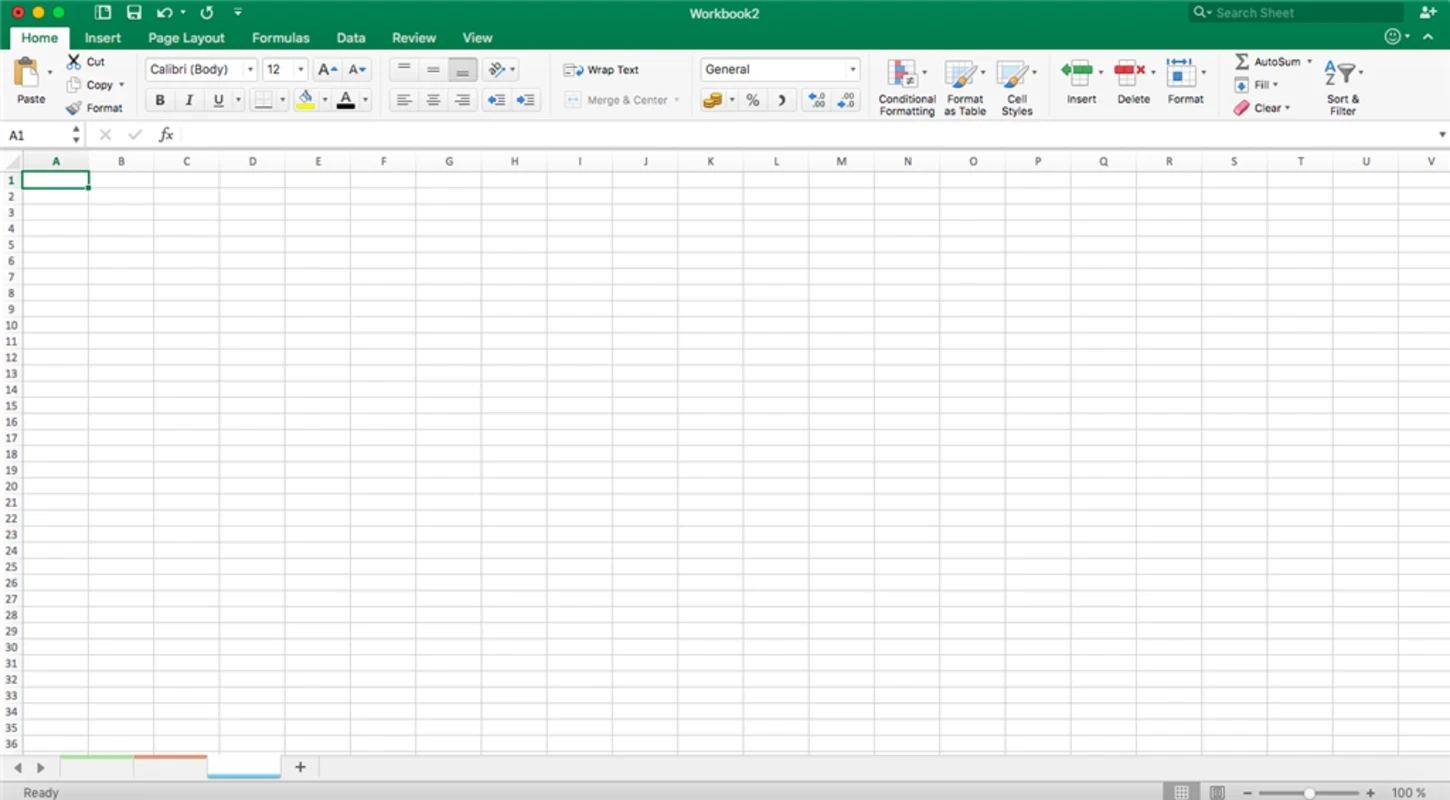
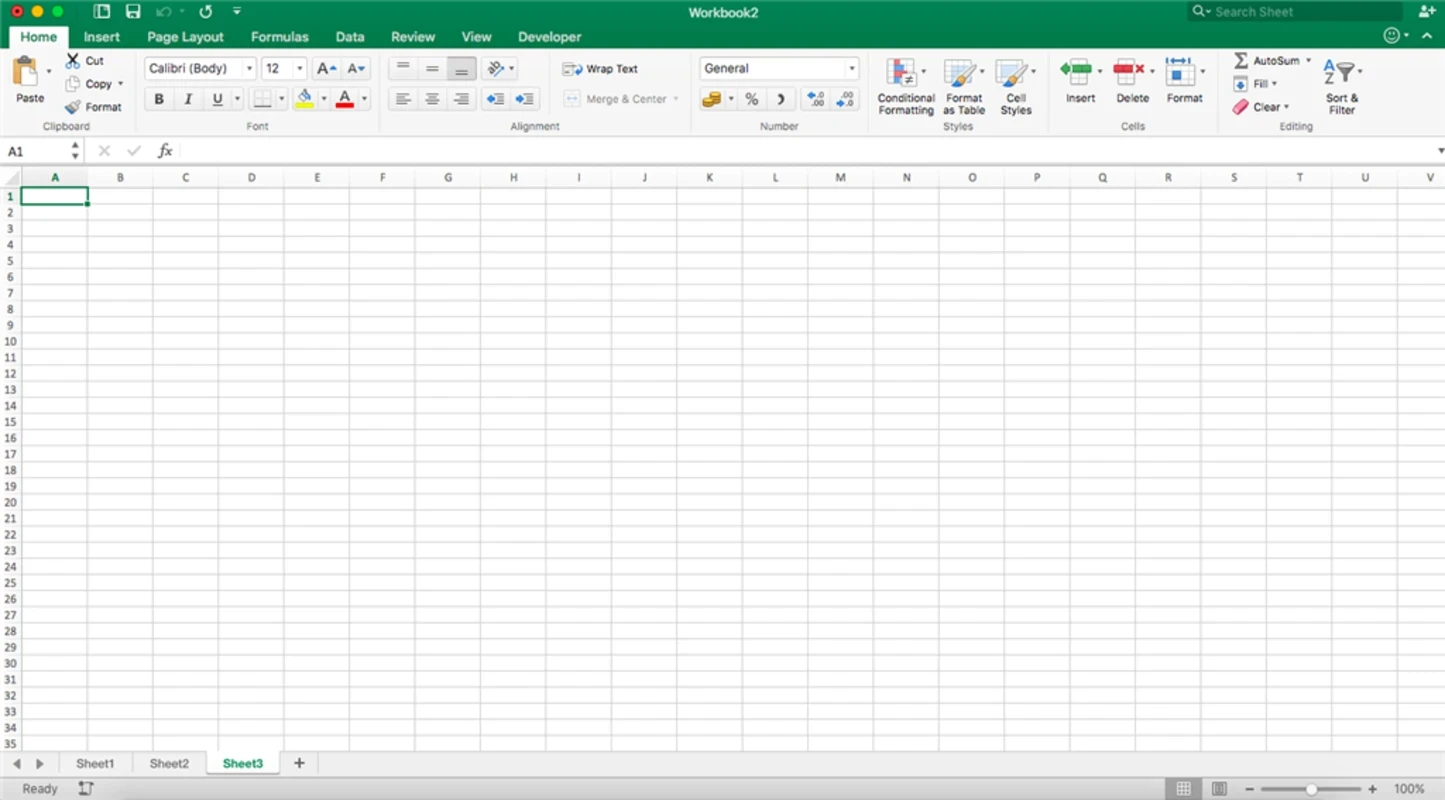
Microsoft Excel 2016 is a powerful spreadsheet software, as part of the innovative productivity apps offered by Microsoft. It helps to organize, analyze, and visualize data more efficiently. The app, with broad functionality and an intuitive interface, proves to be the best choice for both scenarios: professional and personal.
The app as part of Excel’s series offers all basic feature along with fresh capabilities, so the users who already have use the predecessor program, will find huge similarity. The app is basically popular for its formulas, offering extensive calculations, from SUM to AVERAGE, and to more complex operations, including VLOOKUP and INDEX/MATCH.
Microsoft Excel 2016 developed by Microsoft Corporation, falls under the Miscellaneous, is a Shareware software. It is a popular spreadsheet editor used for manipulating data into a structured grid, featuring calculation and computation capabilities, graphic tools, iOS, and iPadOS, pivot tables, and a macro programming language called Visual Basic for Applications.
The app is part of Microsoft 365 and other Microsoft Office suites; however, you can install it as a standalone app as well. It offers awesome services for data analysis, accounting, chart design, and automation with macros, without demanding the cloud or minimizing the options.
The 2016 version of Microsoft Excel isn’t an outdated utility, as it offers full functionality along with all essential features. You need only to install the app for free and customize the interface according to your preferences. You can easily access all features, you want to use, as it also offers some features even when you are offline, such as manage sets of pivot tables, analyze large data streams, and lot of others with 100% accuracy and stability.
Versatility of the app makes it one of powerful productivity app across the world, offering effortless organizing, analyzing, and manipulating of large amount of data within few clicks. The management of a wide range of tasks, from personal budgeting to more complex data analysis projects, is possible through a huge variety of built-in features. It enables users to perform complex calculations and data analysis easily. The ribbon-based, user-friendly interface offers well-organized tabs and buttons at the top of the screen, allowing easy access to their desired feature.
The support for Visual Basic for Applications helps to automate workflows as well as customize function development, as the innovative editor makes automation for multiple tasks effortless. In this way, you can save your precious time while avoiding repetitive tasks. The feature offers services at a high level, even allowing enterprises to get legacy macro-enabled systems. The editor offers a useful environment, especially for finance and operations departments, automating the reporting templates quickly.
The availability of a huge variety of capabilities, such as PivotTables, Conditional Formatting, and charts makes possible the spotting of patterns and offers results quickly. PivotTables enable users to easily summarize and analyze large data. It also allows users to import reports using the drag-and-drop option, making data exploration easy. The clear labelling and consistency offer smoothness, even when multiple people are handling the data. Moreover, interpret and organize data more efficiently within interactive filtering and sorting.
The app makes exporting projects smoother and easier, offering seamless integration with multiple file formats, such as .XLSX, XLSM, and macro-enabled formats, that are also available within older Office versions. This versatility allows the opening of any file in any recent version, including Office 2019, and even in Microsoft 365, without losing your data or variations in the layout. It helps to avoid major formatting conflicts, especially when the data is managed by mixed-version teams.
The support for strong collaboration capabilities enables users to operate multiple tasks simultaneously, sharing workbooks with others. Tell Me is one of the innovative features, enabling users to get step-by-step instructions to complete a task. It is also connected to multiple external resources, including databases, web services, and so on, ensuring easy importing and analysis of data from extensive resources.
It is one of the significant features that makes the shared models stay predictable, locking down the inputs. It makes the performance smooth on capable systems, even when dealing with large files. However, extremely large datasets can perform slowly, but it proves to be the most suitable utility for finance, operations, and QR work to catch small mistakes quickly. Moreover, the app offers seamless compatibility with other Office productivity apps, including MS Word 2016, MS PowerPoint, and so on, to maintain professional environments.
Pros
Cons

Microsoft Office 2007 Free Download for PC Windows 7/10/8, 32/64-bit introducing the new versions of Word, Excel, and PowerPoint

iLovePDF, the quick way of reading, editing, and converting PDF files

Microsoft Office 2010 has multiple editing and visualization features
Microsoft Excel has enhanced and powerful data-analyzing capabilities

Microsoft Office 2019 is a comprehensive suite of productivity apps

Microsoft Word is a powerful text tool for document creation, editing, and sharing